
Blog · Land
How to Check Land Records Online in Karnataka: Step by Step
How to check land records online in Karnataka: RTC and mutation on Bhoomi, survey maps, EC on Kaveri, khata and RERA, and what online checks can miss.
By the Homes in Bangalore editorial teamLast reviewed 5 min read1,134 words
Short answer
To check land records online in Karnataka, start with the Bhoomi portal for the RTC (pahani) and mutation records of the survey number, view the survey sketch or village map, and get an encumbrance certificate through Kaveri Online Services. For plots, add the khata, e-Khata or e-Swathu record and the Karnataka RERA listing. Online checks are a first screen; an independent advocate should verify certified copies before you buy.
Key takeaways
- ◆Bhoomi shows the RTC and mutation records for a survey number, and Kaveri Online Services provides encumbrance certificates and guidance values.
- ◆Collect the district, taluk, hobli, village, survey and hissa numbers before you search, because every revenue portal asks for them.
- ◆Online records can lag or contain errors, so use them to screen a property and then have an advocate verify certified copies.
- ◆For plots in layouts, also check the conversion order, layout approval, khata or e-Swathu entry and Karnataka RERA registration.
What you need before you search
Every Karnataka land records portal locates land by its revenue address. Ask the seller for the latest RTC or sale deed and note the details below, so that you search the right parcel rather than a similar-sounding one.
- District, taluk, hobli and village
- Survey number and hissa (subdivision) number
- Owner names exactly as they appear in the records
- Registered document numbers and dates for past sales, for the EC search
- For urban plots, the property or khata number and ward
Which portal shows which record
No single portal holds everything. The table maps each record to where you can usually find it online (verify current services, as portals are updated from time to time).
| Record | Where to check online | What it tells you |
|---|---|---|
| RTC (pahani) | Bhoomi land records portal | Holder, extent, tenancy, crops, liabilities and remarks |
| Mutation status and register | Bhoomi land records portal | How and when holdings changed in the revenue records |
| Survey sketch and village maps | Land records services and the Dishaank app (verify) | Boundaries, shape and location of the survey number |
| Encumbrance certificate | Kaveri Online Services | Registered sales, mortgages and other transactions over a period |
| Guidance value | Kaveri Online Services | The government's minimum value for stamp duty purposes |
| Khata, e-Khata or e-Swathu | The city corporation's e-Khata service, or e-Swathu for gram panchayat areas | The property's entry in the tax register |
| Project registration | Karnataka RERA portal | Registration, filed approvals and quarterly updates for projects |
How to check land records online in Karnataka
Work through the records in a logical order: revenue records first, then registration records, then urban and project records. The steps below follow that order. Portal layouts and options change, so follow the on-screen instructions (verify current portal steps).
Save or print each result with the date you checked it. If a record looks wrong or incomplete, note it for your advocate rather than assuming it is a technical glitch.
What online records can't tell you
Online land records are an excellent screening tool, but they have limits. Revenue entries can lag behind registered sales, older records may contain digitisation errors, and an EC lists only transactions registered at a Sub-Registrar's office, not unregistered agreements, court cases or claims by heirs.
- Pending litigation, which an advocate must search separately
- Acquisition notifications for roads, metro lines or other public projects
- Physical encroachment or boundary disputes on the ground
- Whether a layout is approved and a particular plot released
- Transfer restrictions on granted land under the Karnataka PTCL Act
Extra checks for plots in layouts
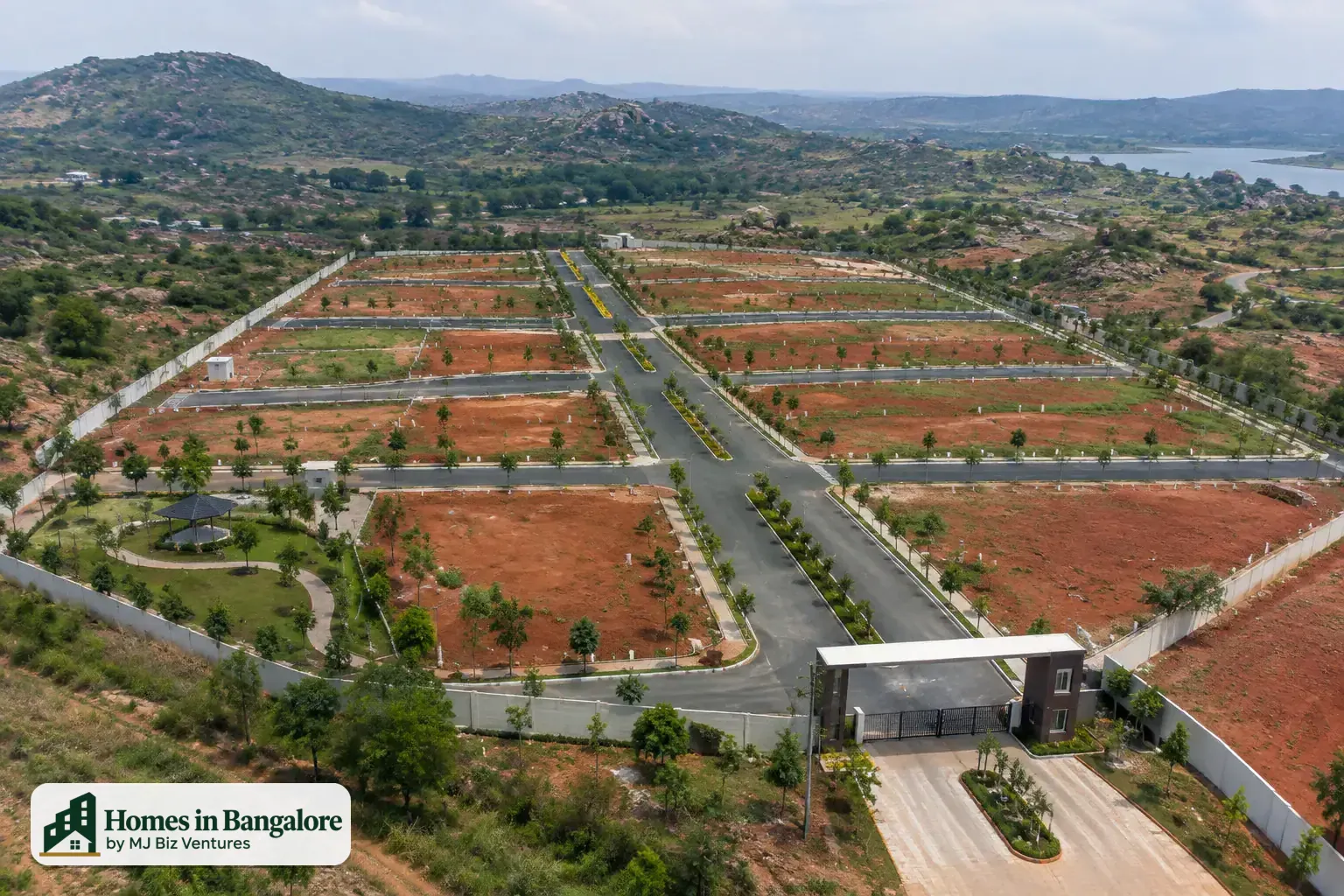
A residential plot in a layout usually does not have its own RTC. Check the RTC and mutation of the parent survey numbers, then the conversion order, the approved layout plan and plot release order, and the plot's khata, e-Khata or e-Swathu entry. If the project is registered with Karnataka RERA (opens official website), download the approvals filed there and compare them with the seller's copies.
Our residential plot buying checklist covers the on-site checks that no portal can replace, such as walking the boundaries with a surveyor and confirming road access.
When to bring in an advocate
Once the online checks look clean, ask an independent advocate to obtain certified copies, trace the title chain over a long period, commonly 30 years or more, and confirm approvals with the issuing offices. A property consultancy can help you gather documents and spot gaps, but it cannot give a legal opinion. Our land title verification service coordinates this work with independent advocates.
Checking Karnataka land records online, step by step
- 1View the RTCOn the Bhoomi (opens official website) portal, enter the district, taluk, hobli, village and survey number to view the current RTC.
- 2Check mutation historyLook up the mutation entries for the survey number to see how the holding passed to the seller.
- 3View the survey sketchCheck the survey sketch or village map to confirm the parcel's shape, boundaries and location (verify available services).
- 4Get the encumbrance certificateApply for an EC on Kaveri Online Services (opens official website) covering the full title period.
- 5Check the khata or e-Swathu recordFor urban plots, check the e-Khata; for gram panchayat areas, check e-Swathu.
- 6Search Karnataka RERAFor plotted projects, confirm the registration and download the filed approvals.
- 7Hand over to an advocateShare your findings and have an advocate verify certified copies and the title chain.
Frequently asked questions
How can I check land records online in Karnataka?+
Use the Bhoomi land records portal to view the RTC (pahani) and mutation records by entering the district, taluk, hobli, village and survey number. Get an encumbrance certificate through Kaveri Online Services, and check the khata, e-Khata or e-Swathu record for the property. For plotted projects, also search Karnataka RERA. Have an advocate verify certified copies before buying.
Can I find the land owner's name by survey number in Karnataka?+
Yes. The RTC on the Bhoomi portal shows the holder's name for a survey and hissa number once you select the district, taluk, hobli and village. Remember that the RTC is a revenue record that can lag behind registered transactions, so confirm the current owner through the registered title deeds and an encumbrance certificate as well.
Is an online RTC valid for a property purchase?+
A view-only printout is useful for screening but is not a certified copy. Bhoomi offers digitally signed RTCs for a fee, and copies are also available at taluk offices and Nadakacheri centres (verify current process). Lenders and advocates usually ask for a recent certified or digitally signed copy, and an RTC is never a substitute for full title verification.
Do online land records show court cases?+
Generally not. The RTC may carry remarks about some orders, and an encumbrance certificate lists registered transactions, but neither reliably shows pending civil suits, family disputes or claims by heirs. An advocate should search court records separately and ask the seller for declarations. This is one reason online checks are a first screen, not a complete title search.
Sources
Useful next steps
Property management services for this